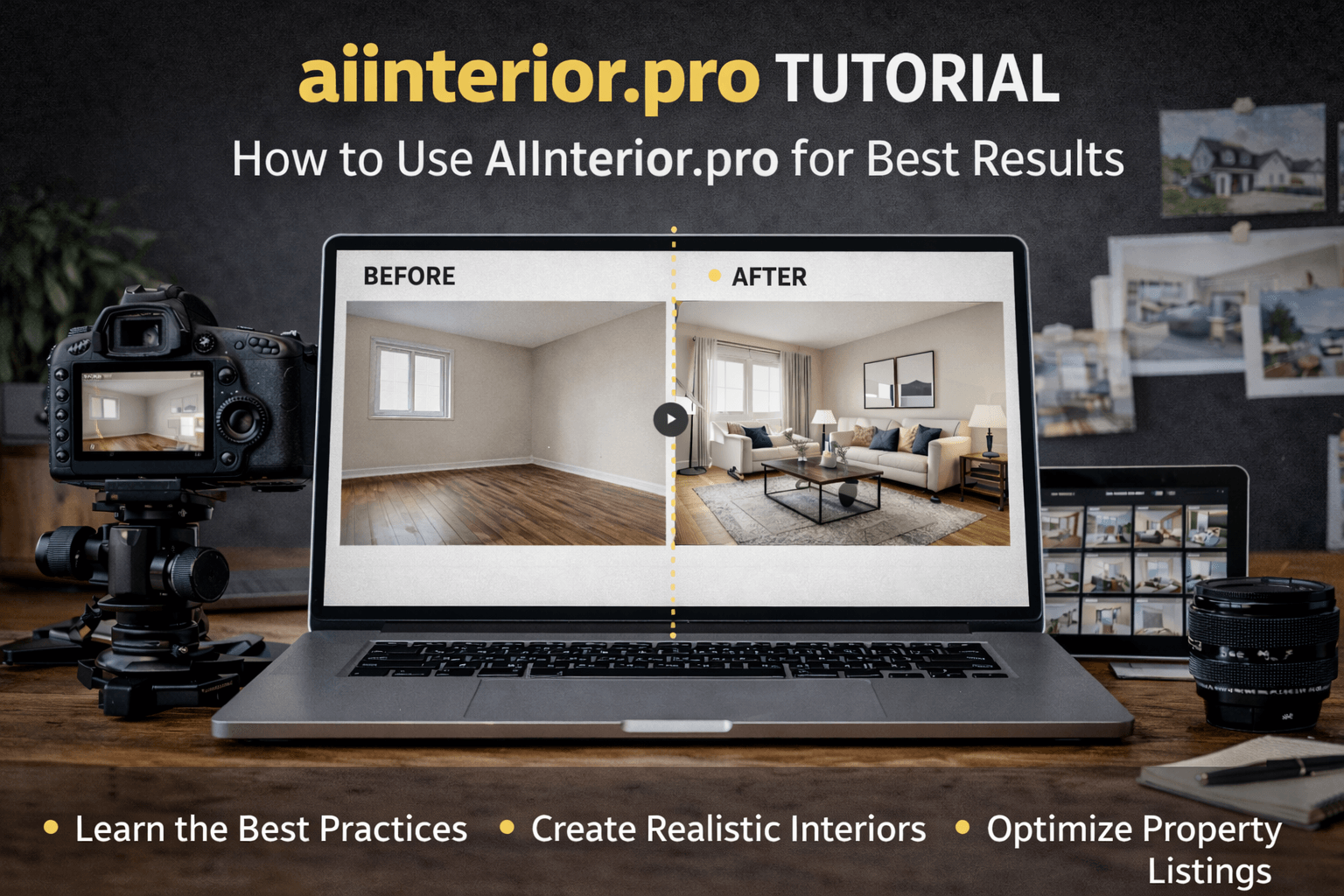
aiinterior.pro tutorial: How to Use AIInterior.pro for Best Results
If you’ve tried AI interior tools before, you already know the problem: they look impressive in demos and fall apart in real-world use.
This aiinterior.pro tutorial is not about clicking buttons and hoping for magic. It’s a practical, step-by-step guide for using aiinterior.pro the right way—to create believable, market-ready interiors that actually help sell, design, or explain a space.
Whether you’re working with real estate listings, design concepts, or marketing visuals, this guide shows how to get consistent, professional results instead of random outputs.
aiinterior.pro Tutorial Overview: What This Tool Is Built For
Before touching the tool, you need to understand its purpose.
aiinterior.pro is designed to:
- Visualize interiors realistically
- Help viewers understand space, layout, and scale
- Improve listing and marketing performance
- Speed up design and staging decisions
It is not:
- A tool to fake renovations
- A replacement for architects or interior designers
- A way to mislead buyers
The people who get the best results treat aiinterior.pro as a visual communication tool, not a gimmick.
Step 1: Input Quality Matters More Than AI (aiinterior.pro Tutorial Rule #1)
Most bad AI interiors start with bad photos.
Use photos that have:
- Natural daylight
- Straight, neutral angles
- Clear visibility of walls, floors, and ceilings
- Minimal clutter
Avoid photos with:
- Heavy filters or HDR
- Extreme wide-angle distortion
- Low resolution
- Busy, over-furnished rooms
AI doesn’t “fix” photos. It interprets them. Garbage input guarantees garbage output.
Step 2: Define Your Goal Before Generating Anything
This is where most users mess up.
Before generating, ask:
- Who is this for?
- What should the viewer understand?
- What emotion should the space create?
Examples:
- Real estate listing → neutral, mass-appeal
- Small apartment → efficient, spacious
- Luxury home → clean, premium, understated
- Rental unit → practical and durable
aiinterior.pro works best when you’re intentional, not curious-clicking.
aiinterior.pro Tutorial: Choosing the Right Style (Subtle Always Wins)
You’ll get better results by choosing styles that feel realistic.
Best-performing styles:
- Modern
- Minimalist
- Scandinavian
- Contemporary neutral
Use cautiously:
- Ultra-luxury themes
- Heavy color palettes
- Highly artistic layouts
Why? Buyers trust spaces that look possible. Over-designed rooms trigger skepticism.
Step 3: Generate, Review, Then Regenerate (Professionals Don’t Stop at One)
AI generation is iterative.
After your first output, check:
- Furniture scale
- Alignment with walls and windows
- Lighting consistency
- Clear walkways and doors
Most professionals:
- Generate 2–4 versions
- Ignore flashy results
- Choose the most believable one
aiinterior.pro is fast—use that speed to refine, not rush.
aiinterior.pro Tutorial for Real Estate Listings
This is where aiinterior.pro delivers the most value.
Best use cases:
- Vacant rooms (massively higher engagement)
- Awkward layouts
- Pre-renovation listings
- Rental properties
Empty rooms confuse buyers. Over-staged rooms create distrust. Subtle AI interiors hit the balance.
Best practice: Pair AI visuals with at least one original photo to maintain transparency.
Step 4: Keep Architecture Honest (This Protects Credibility)
Never:
- Add windows
- Change wall positions
- Alter ceiling height
- Hide structural issues
aiinterior.pro should clarify, not deceive.
Think:
“This is how the room realistically works.”
Not:
“This is what I wish the room was.”
aiinterior.pro Tutorial for Designers & Homeowners
Designers and homeowners use aiinterior.pro differently than agents.
It’s best for:
- Exploring layout options
- Comparing styles quickly
- Eliminating bad ideas early
- Visual decision-making
It saves time by narrowing direction—not replacing professional judgment.
Step 5: Optimize Outputs for Marketing & Listings
Once you have a strong image, don’t ruin it.
Best practices:
- No text overlays for listings
- Keep lighting natural
- Avoid over-sharpening
- Maintain consistent style across listings
For social media:
- Clean visuals outperform dramatic ones
- Consistency builds brand trust
- Neutral interiors get broader reach
aiinterior.pro visuals can be reused across:
- MLS listings
- Websites
- Social media
- Client presentations
- Pitch decks
aiinterior.pro Tutorial: Transparency Without Killing Conversions
You don’t need to shout “AI GENERATED” everywhere.
But you do need to be honest when asked.
Best approach:
- Disclose AI staging when relevant
- Clarify visuals are illustrative
- Emphasize accurate layout and scale
Buyers don’t hate AI. They hate feeling misled.
Step 6: Measure Results Instead of Guessing
If you’re using aiinterior.pro seriously, track outcomes.
Watch:
- Click-through rates
- Time on listing
- Inquiry volume
- Save/favorite rates
Patterns are consistent:
- Empty rooms underperform
- Over-designed rooms lose trust
- Subtle AI interiors perform best
Data beats opinions every time.
Common Mistakes That Ruin Results
Let’s be blunt.
❌ Uploading cluttered rooms ❌ Expecting AI to fix bad photography ❌ Over-styling serious listings ❌ Treating AI like a shortcut instead of a tool ❌ Over-editing after generation
aiinterior.pro amplifies judgment. Good judgment looks professional. Bad judgment looks fake.
Who Gets the Most Value from This aiinterior.pro Tutorial
Based on real-world usage:
- Realtors who want faster listings
- Photographers adding value responsibly
- Designers exploring ideas quickly
- Homeowners planning renovations
- Marketers who understand subtlety
People chasing “wow” effects usually quit. People chasing clarity keep using it.
Why aiinterior.pro Works When Used Correctly
Because it focuses on:
- Realism over fantasy
- Speed without sloppiness
- Respect for architecture
- Practical visuals, not gimmicks
It doesn’t try to replace professionals. It helps them make better, faster decisions.
Final Thoughts
If you want flashy AI interiors that impress for five seconds, this isn’t the tool.
If you want:
- Clean
- Believable
- Market-ready interiors
- Without physical staging or long design cycles
Then this aiinterior.pro tutorial gives you the framework to use the tool properly.
AI doesn’t win by being dramatic. It wins by being useful.
Use it that way.


